 |
Radical Pie Equation Editor |
Radical Pie contains two separate design dialogs containing numerous settings that each control a specific aspect of an equation’s appearance. These settings include a wide variety of parameters for spacing, line thickness, script positioning, arrow shapes, and so on. One of the two dialogs is called the Equation Design dialog, and it contains settings that pertain to mathematical structures. The other dialog is called the Drawing Design dialog, and it contains settings that pertain to drawing objects and annotations.
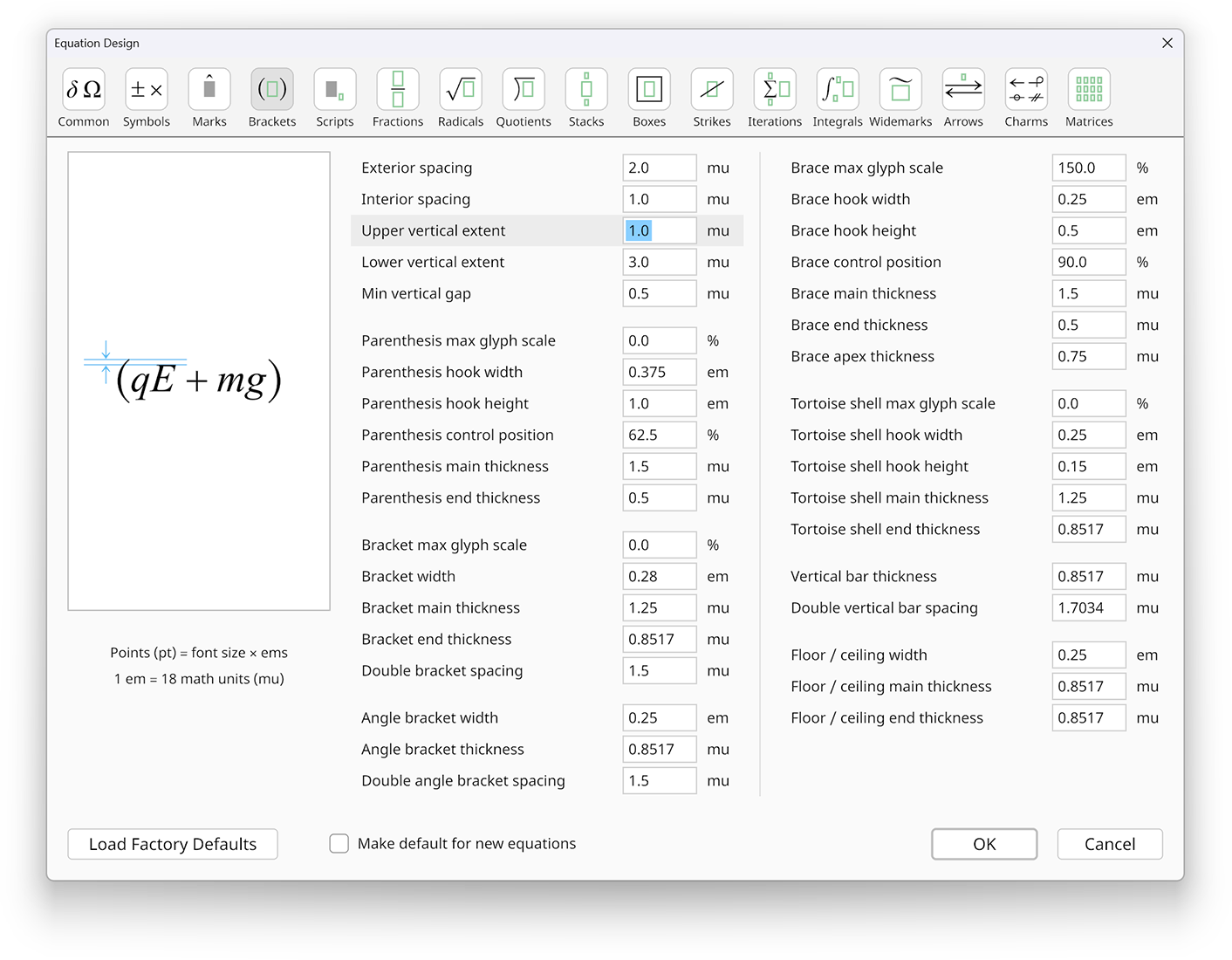
The Equation Design dialog is shown below, and it is opened by selecting Equation Design... from the Settings menu. The settings in the Equation Design dialog are organized into 17 cateogories that can be selected by using the buttons at the top of the window.
In the Common pane, the Math axis height, Capital height, and Italic slant angle settings have Auto buttons next to them. Clicking any of these buttons causes a value to be automatically calculated for the corresponding setting based on the current font usage specified in the Font Manager. The value of the math axis height is taken from the first font listed for the Upright style. The value of the capital height is taken from the first font listed for the Upright style that is not the Radical font (because the Radical font does not contain letters and numbers). Similarly, the value of the italic slant angle is taken from the first font listed for the Italic style that is not the Radical font.
The Drawing Design dialog is shown below, and it is opened by selecting Drawing Design... from the Settings menu. The settings in the Drawing Design dialog are organized into 6 cateogories that are again selected by using the buttons at the top of the window.
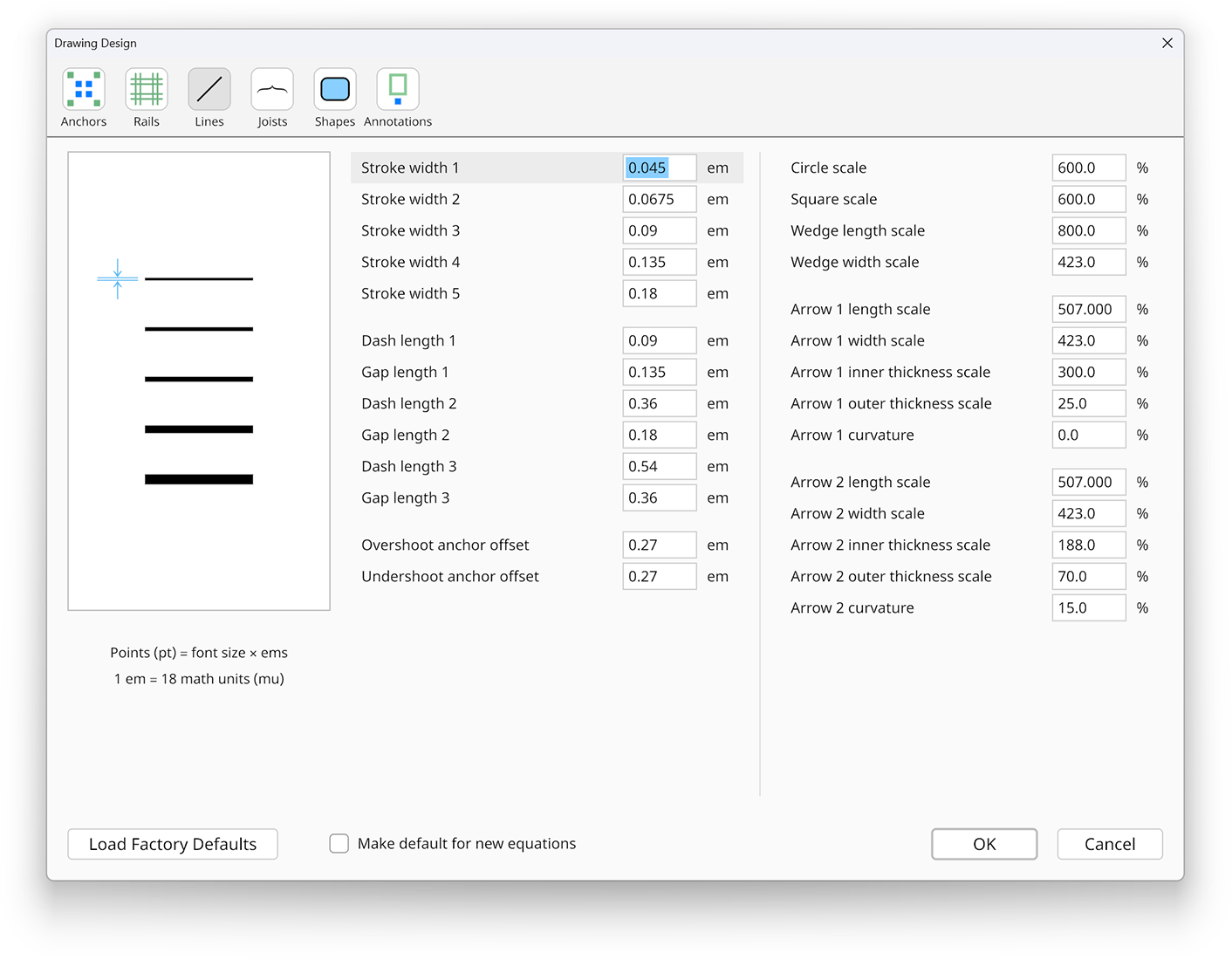
The diagram on the left side of each dialog illustrates the meaning of the active setting. Most settings specify a distance measurement in units that are relative to the font size. One em corresponds exactly to the font size in points, and one mu (math unit) is exactly 1/18th of an em.
Clicking the Load Factory Defaults button in the bottom-left corner of either dialog causes the default settings to be restored for the currently selected category. It does not restore the defaults for all categories at once.
If the Make default for new equations box is checked when you click the OK button, then all settings in all categories for the current dialog are saved
as the default whenever a new equation is created. If this box is not checked, then the changed settings apply only to the equation currently being edited. The new default
design settings are saved in a file called design.pie inside the RadicalPie subfolder of the roaming application data folder, which can be accessed
by entering %appdata%/RadicalPie into the address bar in a Windows Explorer window.