 |
Radical Pie Equation Editor |
Spaces of many different sizes can be added to an equation by using the spaces-ellipses-aligners palette. To add a space of arbitrary size to an equation, use the Insert Space dialog, shown below. This dialog can be opened by selecting Insert Space... from either the spaces-ellipses-aligners palette or the Equation menu or by typing the keyboard shortcut Ctrl+Alt+Space.
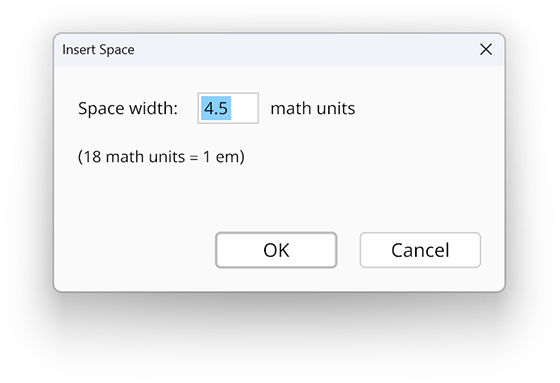
The size of a space is measured in math units (mu), and there are 18 math units per em. A space in ordinary text normally has a width of a quarter em, which is 4.5 mu.
The maximum size of a space is 72 mu, which is equivalent to 4 em. If a value larger than this is entered, then it is clamped to maximum.
A space can have negative width, in which case it acts as a kern that moves the preceding and following symbols closer together. The largest allowed kern is −18 mu.